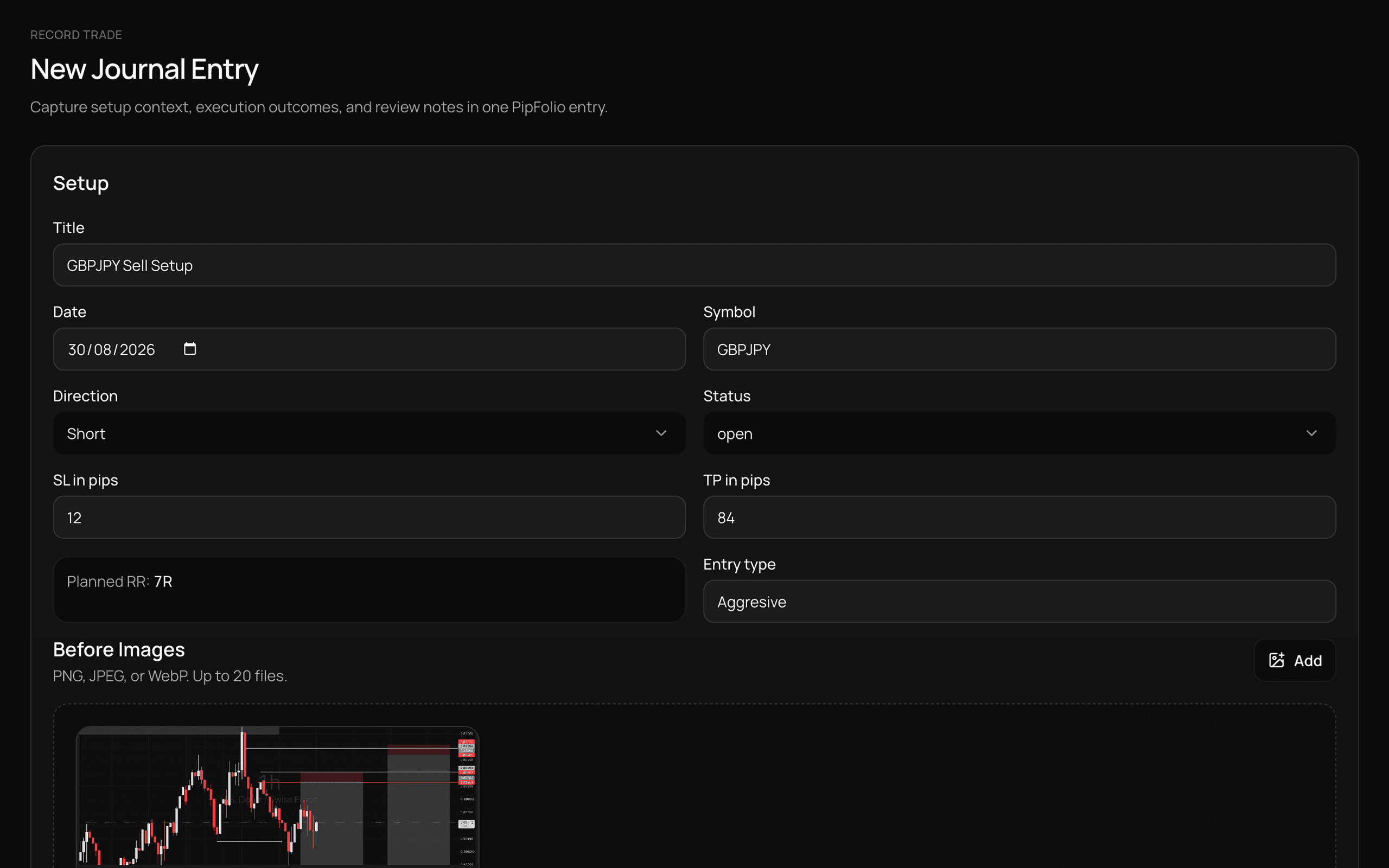
01
Record or import
Record your next trade manually or bring existing MT4, MT5, and CSV history into PipFolio.
TRADING JOURNAL + PERFORMANCE INTELLIGENCE
Your trades already contain evidence about how you trade. PipFolio turns that history into a clear view of your performance, patterns, and decisions — so you know what deserves repeating, what needs attention, and what to review next.
Record trades manually, or import MT4, MT5 and CSV history.
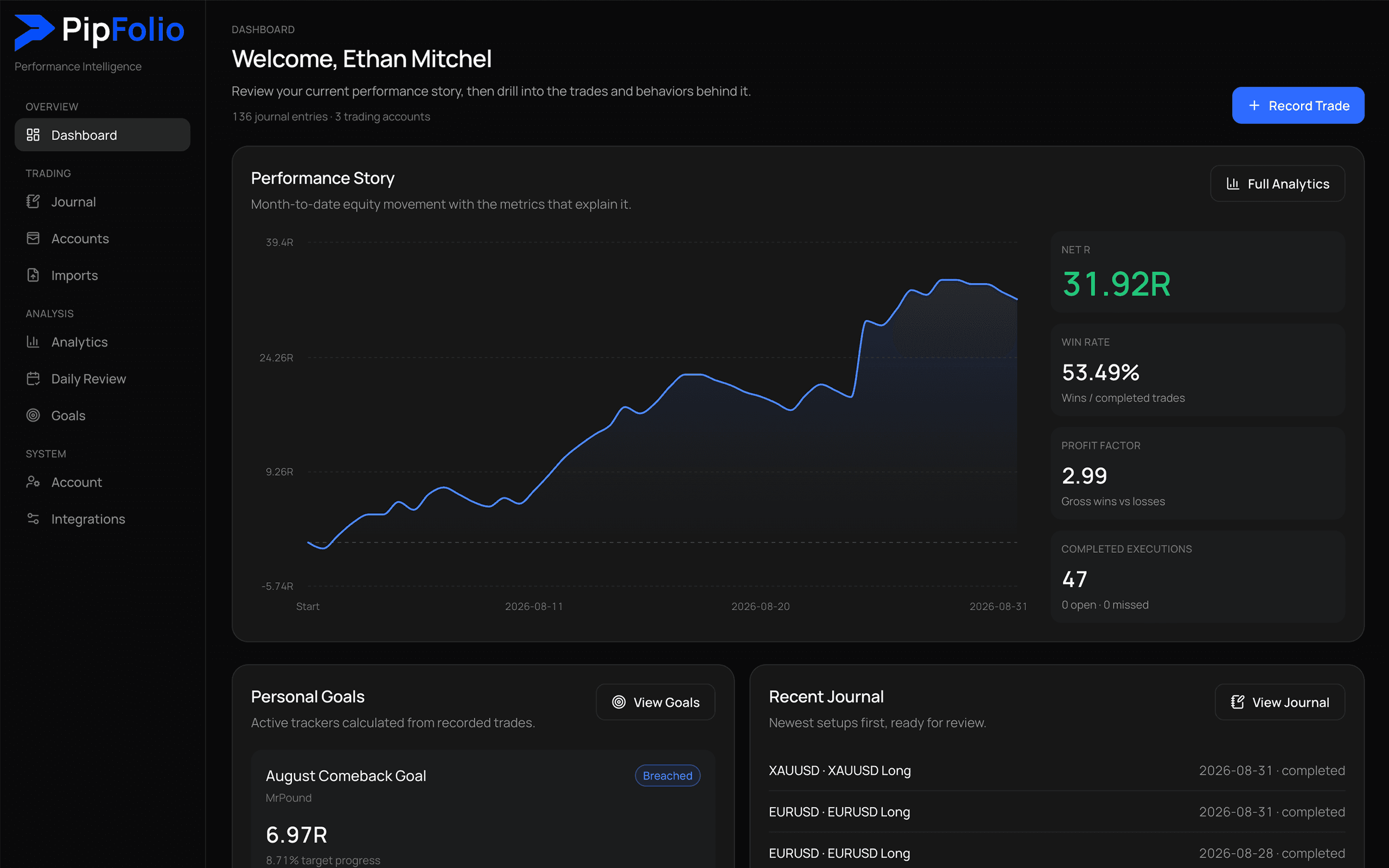
Performance at a glance
Start with what matters: how you're performing now, how that performance is changing, and what your recent trading days actually looked like. No spreadsheet rebuilding. No hunting through closed positions.
Ways to start
From results to feedback
A statement can tell you where you entered, where you exited, and whether you made money. It can't tell you which habits keep showing up, which trading days deserve another look, or where your results actually differ.
History records the result. Review turns it into feedback.
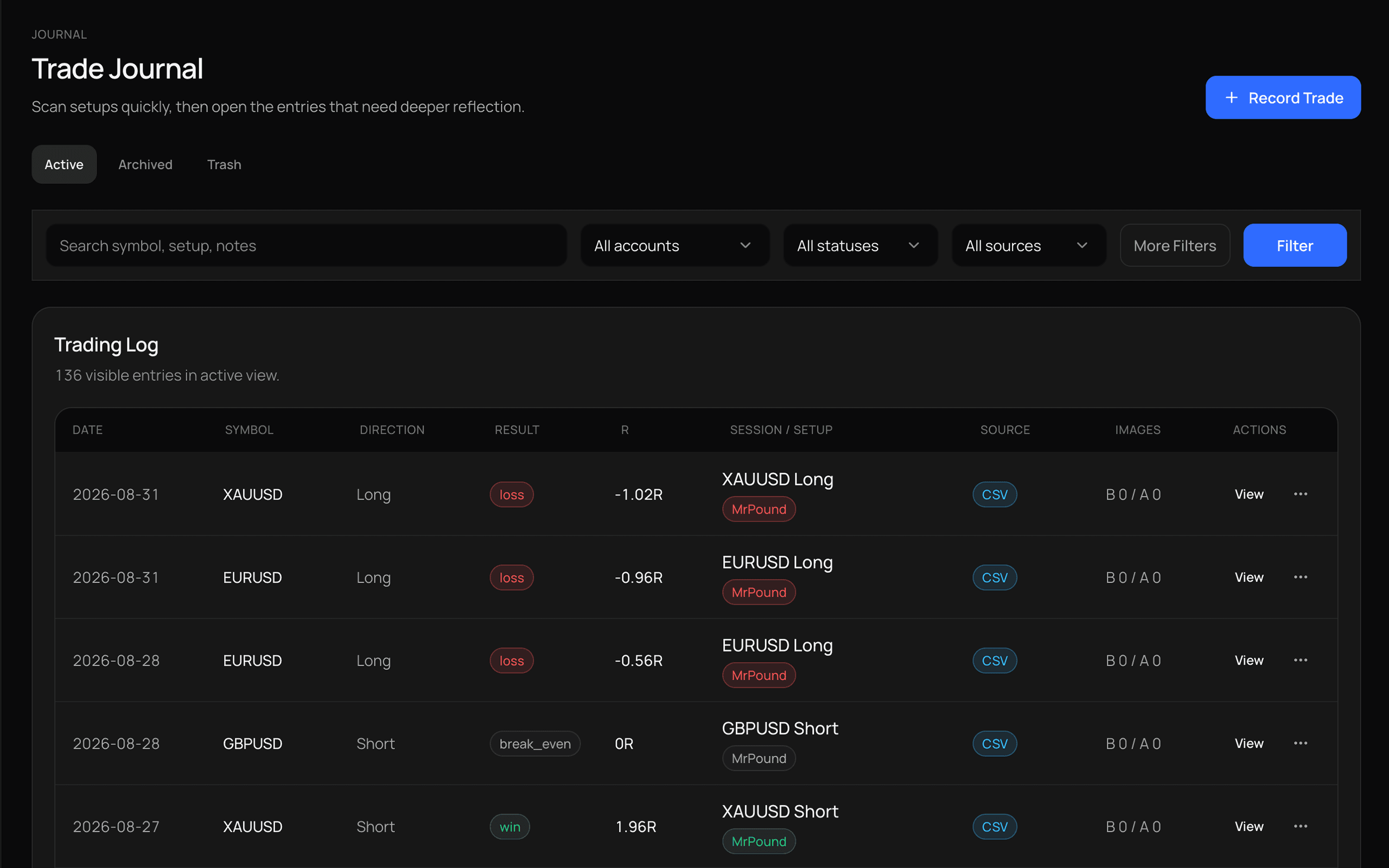
Journal
Six months from now, "GBPUSD long · +1.8R" won't tell you the whole story. Keep the setup, result, notes, screenshots, and trade context together so you can come back to the trades that actually deserve another look.
Search and filter your journal when you want to compare similar trades instead of relying on memory.
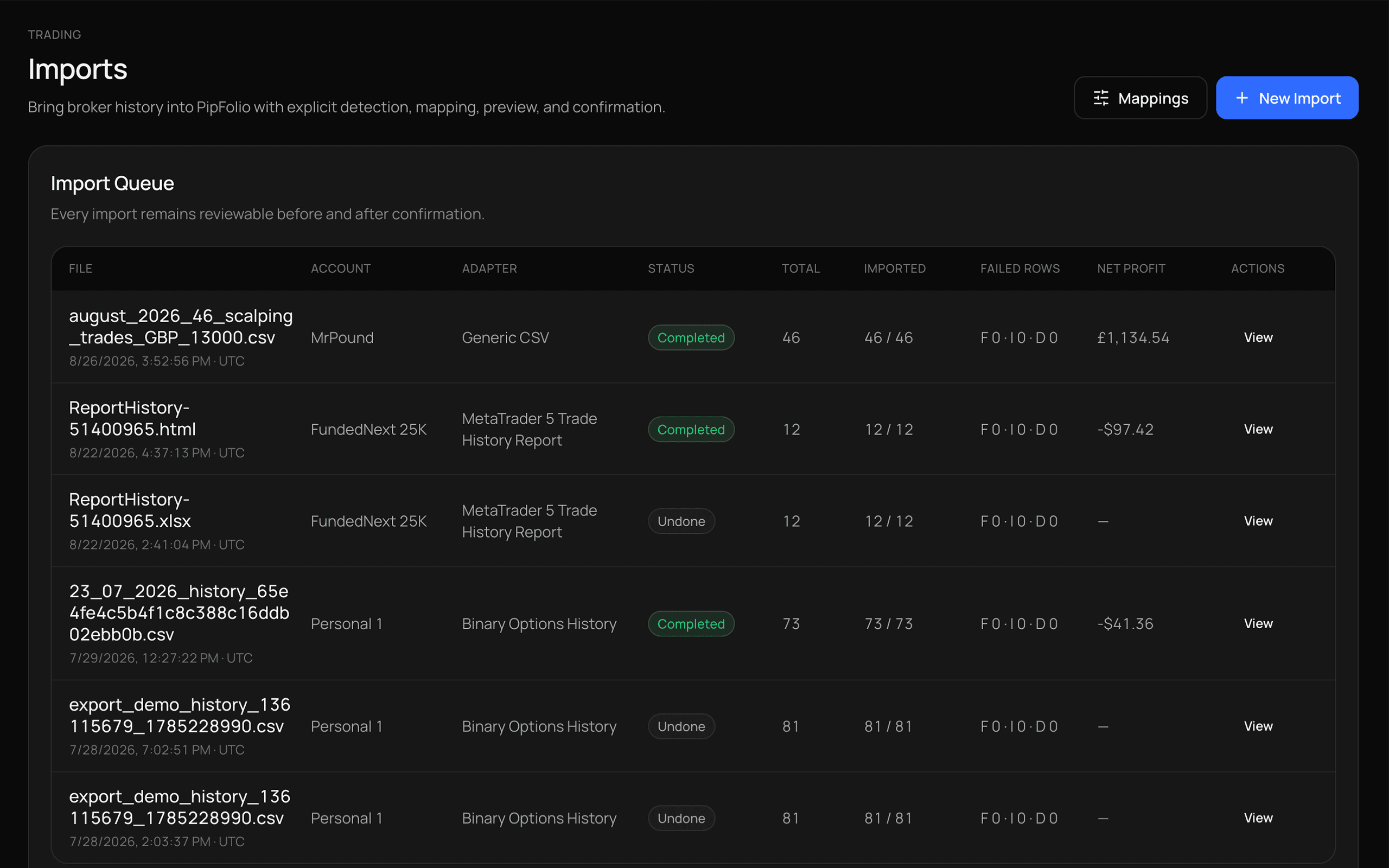
Imports
You don't need to rebuild months of trading history by hand. Choose an account, import your history, review what PipFolio detected, and confirm the trades before they enter your journal.
Import → Review → Understand
Performance Intelligence
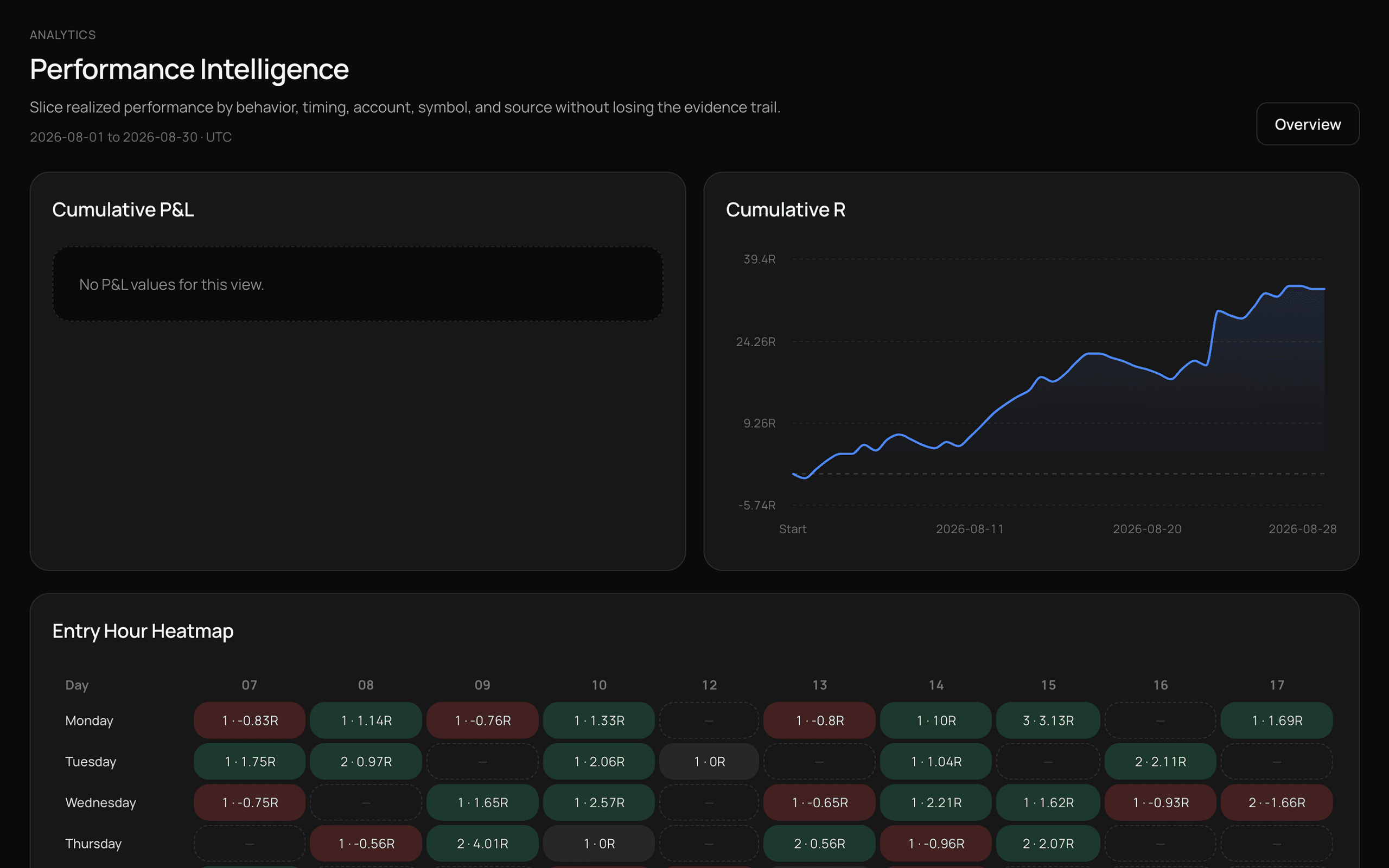
Go deeper into your own trading history across symbols, sessions, direction, weekdays, timing, streaks, and behavior. Instead of wondering whether you perform better during London, you can look at the data.
PipFolio shows what your history says. You decide what's worth investigating.
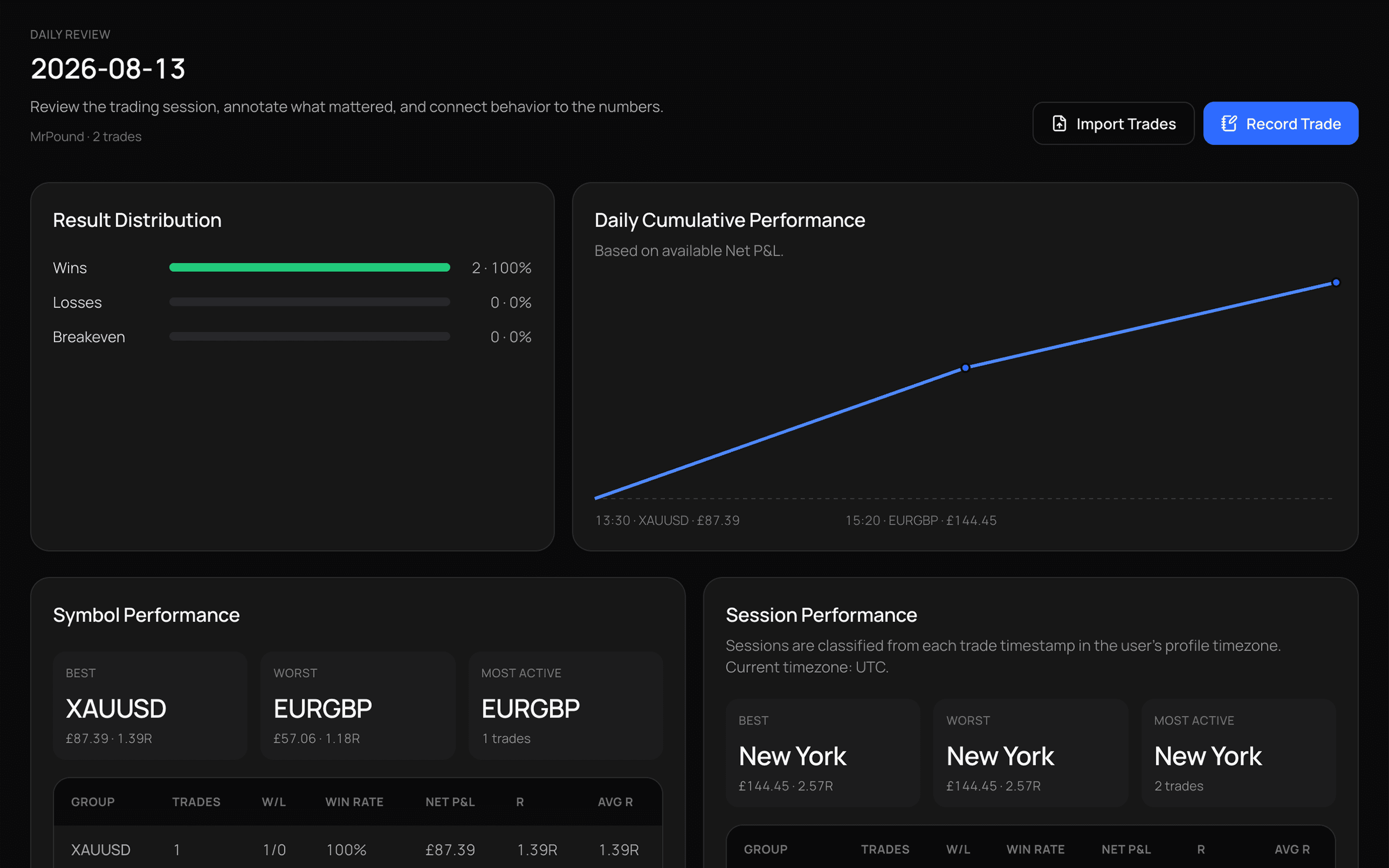
Daily Review
See the day's trades in sequence, review what happened, and write down what stood out while the session is still fresh. A few useful notes today beat trying to reconstruct the decision a month later.
Your numbers tell you what happened. Your notes help you remember why.
How it works
Record or import your trades, review the evidence, and understand what deserves your attention next.
01
Record your next trade manually or bring existing MT4, MT5, and CSV history into PipFolio.
02
Check what PipFolio detected, confirm imported trades, and keep each result with its context.
03
Review performance, trading days, and recurring patterns, then decide what deserves investigation.
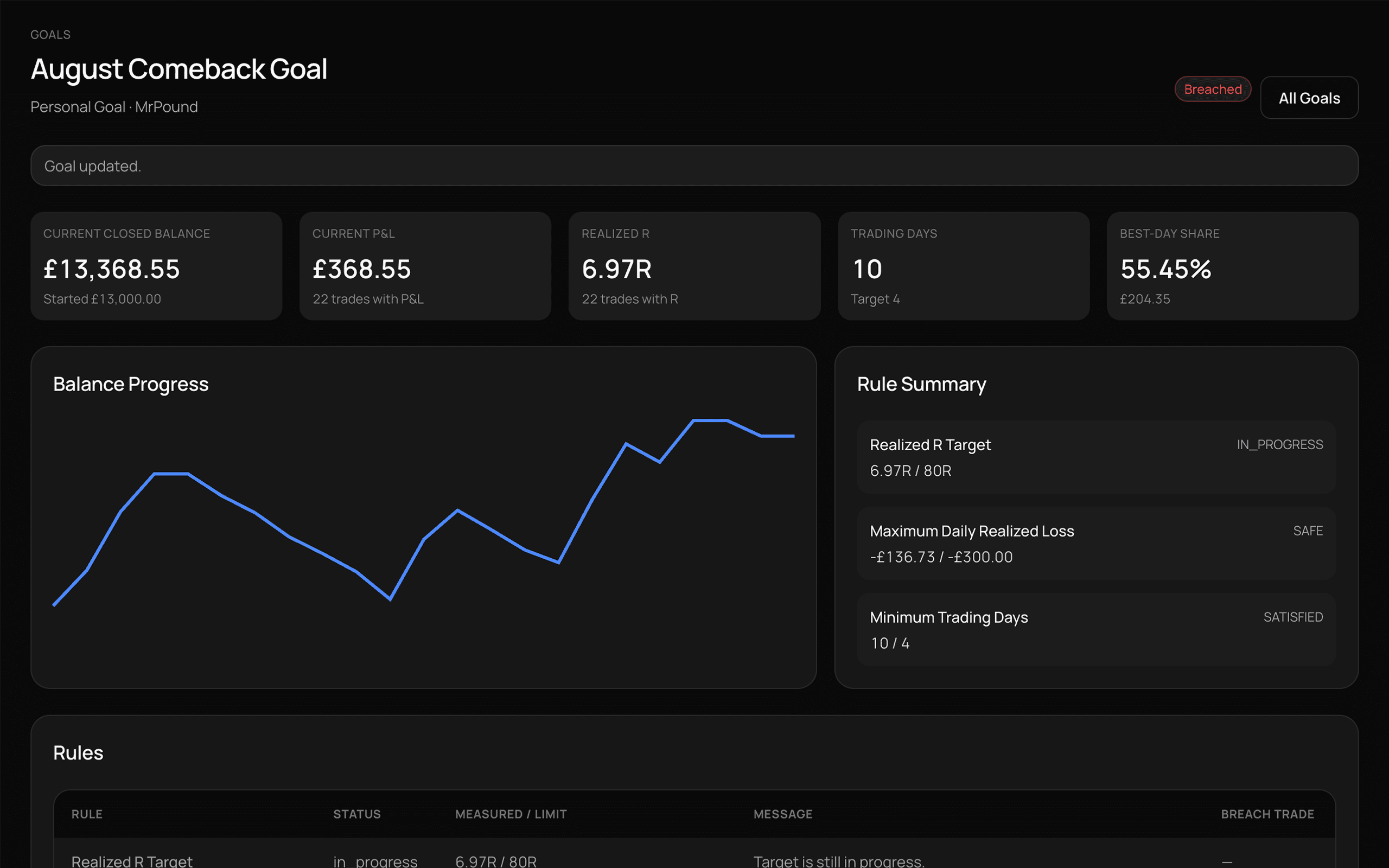
Personal Goals
Set a personal trading target and track it against the trades already in your PipFolio history. No separate progress sheet. No manual updating. Just a clear view of where you are and what remains.
Notion
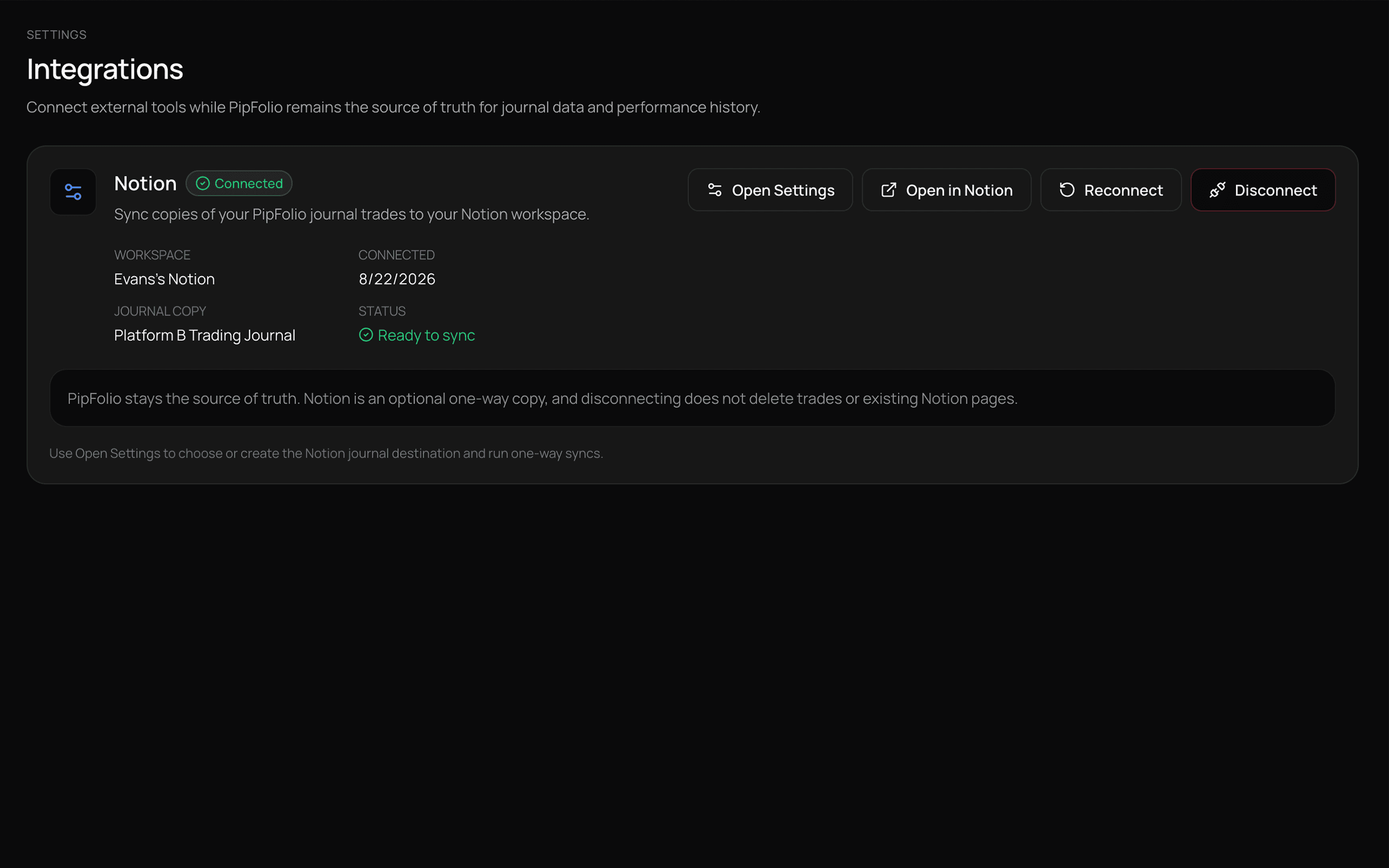
Send a one-way journal copy to Notion while your trading history and performance remain in PipFolio.
Privacy
PipFolio keeps user data scoped to each account, stores uploaded trade images privately, and does not require a live broker connection to journal or import trading history.
User scoped data
Private image storage
No live broker requirement
FAQ
PipFolio is a trading journal and performance intelligence workspace that turns your trade history into a clearer view of your performance, patterns, and decisions.
Yes. You can create journal entries manually and add execution details, notes and trade images.
Yes. PipFolio supports file-based MT4 and MT5 trading history imports.
PipFolio currently supports CSV, HTML and HTM files, including supported MT4 and MT5 reports.
Yes. You can keep multiple trading accounts separate while reviewing their journal history and performance.
Not currently. PipFolio focuses on manual journaling and file-based trading history imports rather than live broker connectivity.
Yes. Notion can be connected as an optional one-way copy of your PipFolio journal.
No. PipFolio does not execute trades. It is designed for journaling, review and performance analysis.
PipFolio uses user scoped data access and private storage for trade images.
Import what you have or record your next trade. Then start reviewing what's actually happening in your trading.